Travel Tips · SIM or eSIM
Choose Your Connection
Compare roaming, a travel eSIM, and a passport-registered SIM from China Mobile, China Unicom, or China Telecom.
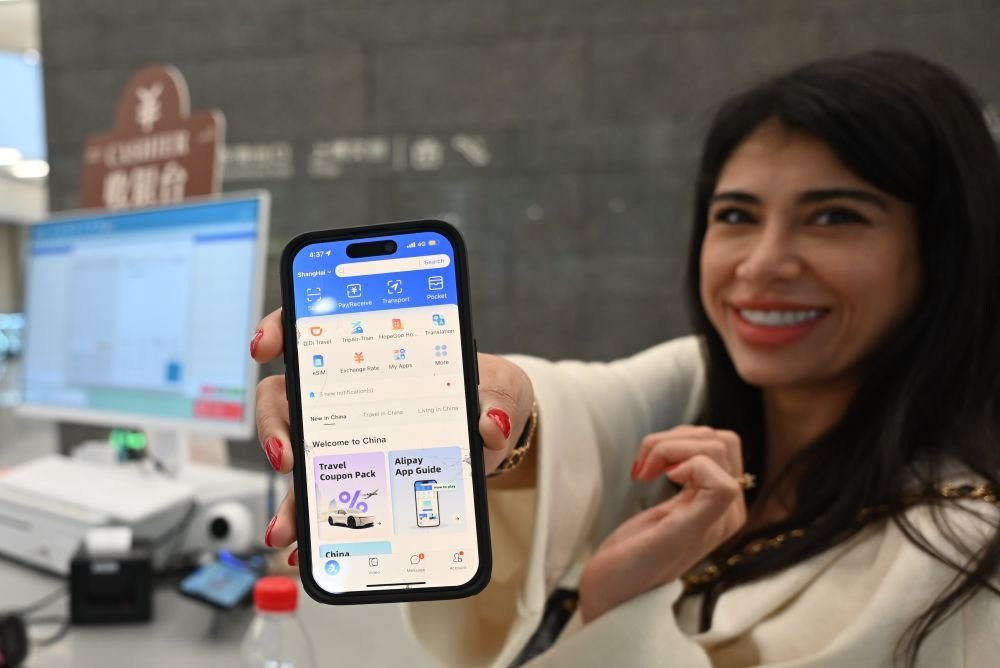
Choose your connection around two questions: do you need only internet data, or also a mainland Chinese number for calls and SMS? International roaming, a travel eSIM, and a local SIM answer those questions differently. Keep the number used for WeChat, Alipay, and booking accounts reachable even if another SIM supplies your data.
Three ways to get connected
| Option | Useful when | Check before buying |
|---|---|---|
| Roaming on your home SIM | You want to retain your home number and avoid changing hardware. | Mainland China coverage, data allowance, calls/SMS charges, and whether a daily charge is triggered automatically. |
| Travel eSIM | Your phone supports that particular eSIM and you want a data plan ready for arrival. | Device compatibility, mainland coverage, activation date, validity, hotspot support, and whether it is data-only. A data-only plan does not supply a local number. |
| Local physical SIM | You want a mainland number as well as local mobile service. | Passport registration, compatible device, plan duration, calls/SMS inclusion, and cancellation or expiry arrangements. |
Where to get a local SIM
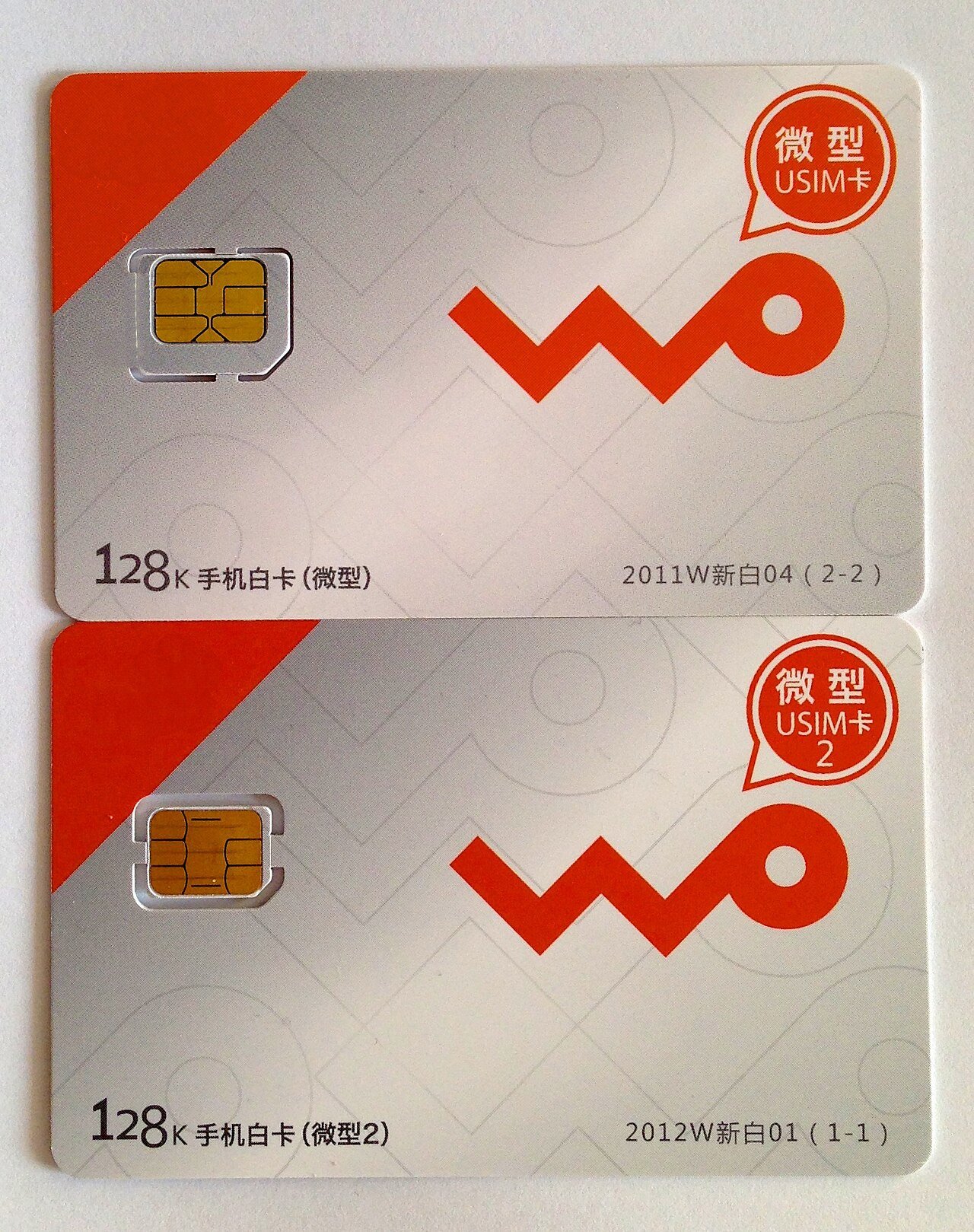
China Mobile (中国移动), China Unicom (中国联通), and China Telecom (中国电信) are the three major operators to look for. Use an official operator store or an authorized airport counter. Bring your original passport and ask for a short-term visitor plan; a small reseller may not be able to process foreign documents.
- Tell the staff how long you will stay and whether you need calls, SMS, and a mainland number. Ask for the total price and what happens when the plan expires.
- Have the SIM registered in your own name, then ask staff to insert or activate it as appropriate.
- Before leaving the counter, turn off Wi-Fi and open a website or map, make a test call if included, and confirm that your new number can receive SMS. Save the operator’s support information.
Dual-SIM settings can prevent an expensive mistake
On a compatible dual-SIM phone, label the home and travel lines. Select the intended travel line for mobile data and decide whether the home line remains active for verification messages. Turn off unwanted data roaming on the home line and ask your home provider whether incoming SMS or calls incur charges. Do not rely on a generic instruction that every provider treats them as free.
Local eSIM support is a separate question from travel-eSIM support. Check the operator’s current device and visitor requirements before expecting to activate a mainland plan on an overseas phone. Hotel Wi-Fi is useful, but it does not replace a connection for finding an entrance or paying on the street.
Test the services you intend to use
A connection can affect access to familiar websites and apps. On a mainland local network, some Google services and other overseas services may be unavailable; roaming and travel-eSIM behavior depends on how the provider routes traffic. Confirm the plan’s behavior directly and prepare Amap and local payment tools rather than assuming every familiar service will work unchanged.
Download account recovery details, hotel addresses, and key bookings while connected. If the new SIM changes the number shown on your phone, your Alipay or WeChat login still uses the number registered with the account until you update it in the service. Keep that distinction clear before switching devices or discarding a SIM.
Practical guidance reviewed 12 October 2026. Confirm current rules, opening arrangements, and availability with the relevant authority or provider before travel.
← Back to Travel Tips